HI,
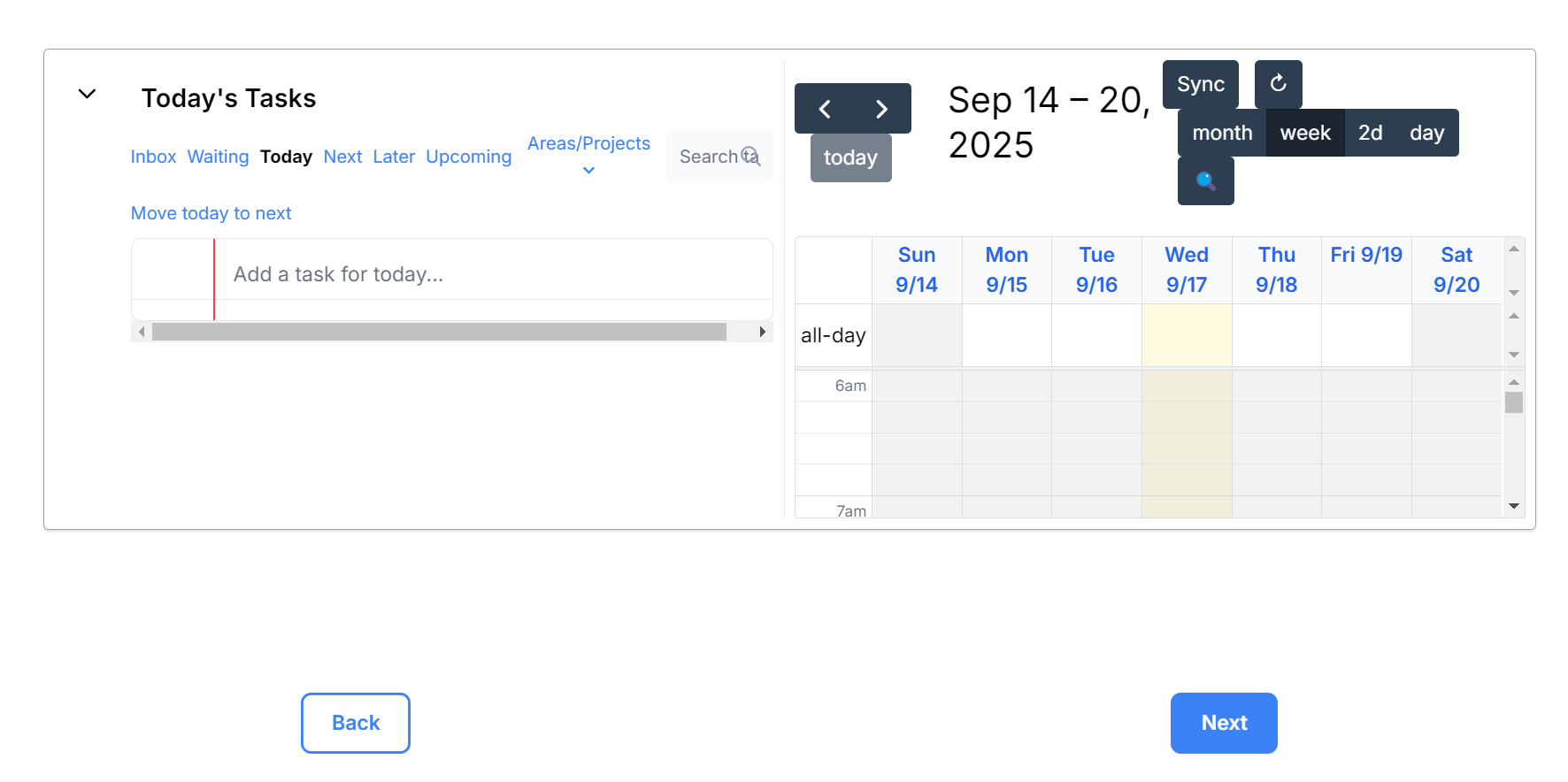
I just noticed that a similar issue to the updated Focus window (now fixed) happened in Shutdown. The length of a window is too short for meaningful and fast edits.
HI,
I just noticed that a similar issue to the updated Focus window (now fixed) happened in Shutdown. The length of a window is too short for meaningful and fast edits.
Hi @Bartski - thanks for pointing that out. Looking into it!
Hi @narath, any ETA to address the length of timeblocking windows?
Hey @Bartski - so sorry about the delay on this. Looking into this, should have a fix this week.
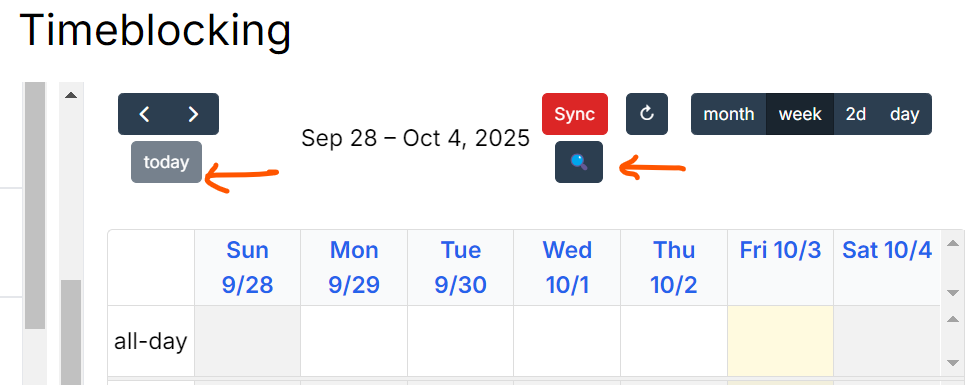
Hey @Bartski - I have made some updates to try to improve this:
It’s on production now. Can you try it out and let me know if it has helped?
Hi @narath . Yes, it’s better. Thanks for addressing this.
Do these changes also apply to WRAP and Midday superpower?
Hi @Bartski
re: WRAP and Midday - yes - should apply there as well!
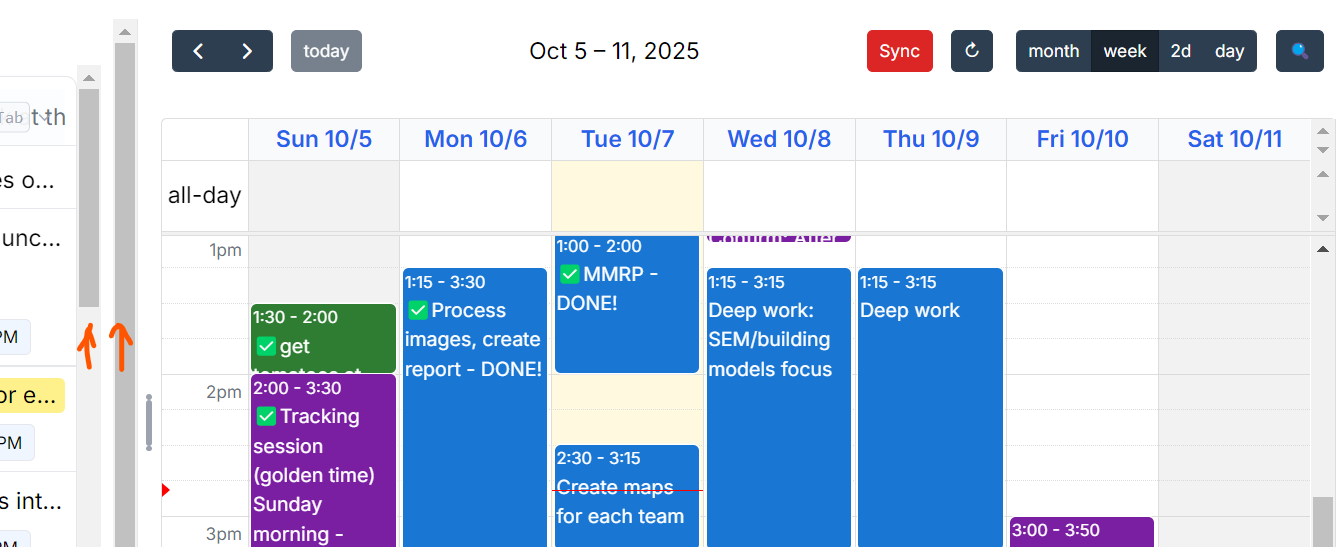
Hi @narath See the image below. I think one slider would be easier to navigate with.
@narath one more thing. In the midday reprioritization, the window for timeblocking is still too small
hey @Bartski,
re: 2 sliders:
re: midday prioritization
Hey @Bartski - I could not find the double scroll bars on my system - can you point me to where that is happening for you - ritual or main timeblocking view?
And did the updates for fixing the timeblocking layout work?